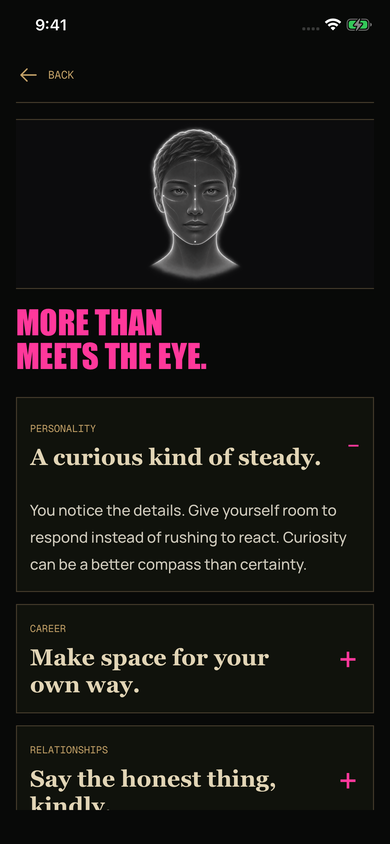
Personality — Notice your patterns.
Consider the habits and choices that feel familiar to you.
Wayfinding
Wayfinding turns a photo into an invitation to reflect on personality, career, relationships, and what you value. Read at your own pace. Keep what resonates.
For entertainment and self-reflection. A photo cannot establish your personality or predict your future.
Consider the habits and choices that feel familiar to you.
Reflect on what gives your work meaning and what you might try next.
Consider the attention, boundaries, and conversations you want to make space for.
Explore how you spend your time and attention, without predictions about money.
Take a photo or choose one from your library, then review it before sending.
Explore a prompt for each theme and decide what feels useful to you.
Keep a reading in your archive and return to it later.
Sample reading — shown to illustrate the app. This is not a reading generated from your photo.
No. Generation uses the photo you submit. Birth details and profile names organize your profiles; they are not model inputs.
It is sent to our service for processing. The original is kept in private storage for your reading history. A processed copy is sent to Google Gemini to generate the reflection.
No. Removing it from Saved removes the archive entry, not the report or its original photo.